 Insta360Player-360°全景3DVR内容播放器
1.4.1
Insta360Player-360°全景3DVR内容播放器
1.4.1
How do you add content with iTunes?
1.Connect your iOS device to your computer, open iTunes, and select “Your Devices” from the tool bar at the top.
2.Select “Applications” from the menu on the left. Chose Insta360Player from the list of applications under “File Sharing” at the bottom right.
3.Click “add” in the bottom right corner or simply drag the content over the application folder.
4.Currently supports insp, insv, and mp4, mov, jpg, and png files with a screen ratio of 2:1;Also supports 180° 3D contents with a left-right screen ratio of 1:1 and 360° 3D contents with a up-down panoramic screen ratio of 2:1
1.Connect your iOS device to your computer, open iTunes, and select “Your Devices” from the tool bar at the top.
2.Select “Applications” from the menu on the left. Chose Insta360Player from the list of applications under “File Sharing” at the bottom right.
3.Click “add” in the bottom right corner or simply drag the content over the application folder.
4.Currently supports insp, insv, and mp4, mov, jpg, and png files with a screen ratio of 2:1;Also supports 180° 3D contents with a left-right screen ratio of 1:1 and 360° 3D contents with a up-down panoramic screen ratio of 2:1
Fotogalerie
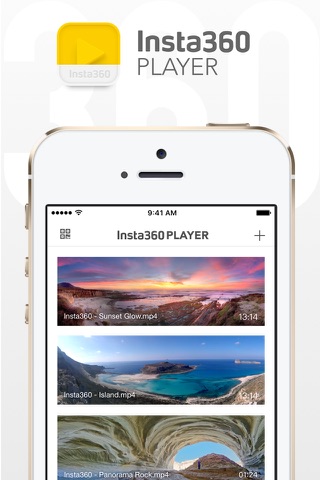
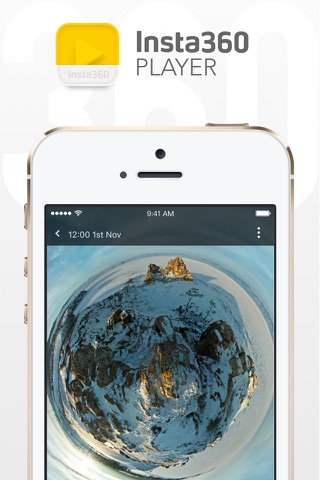
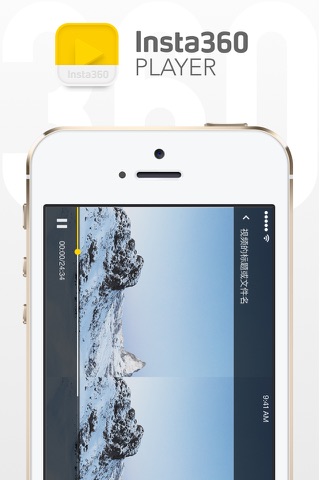
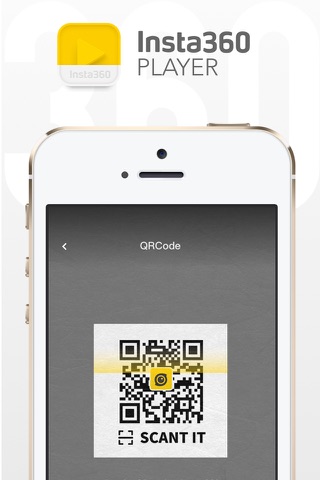
-
Verze programu
1.4.1
-
Poslední aktualizace od vývojáře
11. 10. 2019
-
Počet stažení za měsíc
0 ×
-
Velikost
69,49 MB
-
Potřeba instalace:
Ano
-
Web autora
-
Systémové požadavky
Aplikace pro: iPhone, iPad
-
Podporované jazyky
- Angličtina ,
- Čínština
Zdarma
Aplikace pro: iPhone, iPad
Sdílet
Podobné programy
TIP: Stahují se vám programy pomalu? Změřte si rychlost svého internetového připojení.